
Process documentation is a necessary evil. Teams know they need it. Nobody wants to write it. The result is outdated wikis. Unopened folders. Tribal knowledge is walking out the door.
Finding the right process documentation platform for NetSuite and Epic rollouts can mean the difference between smooth system adoption and endless support tickets. The right tool captures knowledge before employees leave, standardizes workflows across departments, and gives users answers without contacting support.
This piece examines five platforms built for process documentation. Each one helps teams capture, maintain, and share SOPs. Some emphasize speed. Others focus on features. The selection reflects results from teams that actually use these tools.
1. Tango
Tango turns any workflow into step-by-step guides with screenshots and instructions automatically. The browser extension captures processes as users click through them. There is no need to document anything manually or write instructions from scratch.
The platform supports complex, branching workflows that reflect real-world processes. Users follow different paths depending on their role or the data they enter. This flexibility makes Tango a leading workflow documentation tool for complex ERP deployments.
Teams pin guides directly inside applications using Tango’s Nuggets feature. Users access help exactly where they need it. The “Guide Me” feature transforms static guides into interactive walkthroughs that highlight each action step on the user’s screen.
Tango captures processes automatically as users complete them. This preserves tribal knowledge before employees leave. New team members onboard faster with access to verified workflows. Pro Team plans start at $15 per user per month. The free tier supports up to ten users and five shared workflows.
Documentation speed and features in action:
- Browser extension captures workflows in any web-based application without extra configuration
- Interactive walkthroughs guide users step by step
- Pin guides inside applications where users actually work
- Export guides to PDF, HTML, or Markdown for sharing
- Built-in analytics show which processes users view and complete
2. Trainual
Trainual centralizes SOPs, policies, and training into a single source of truth. The platform serves 10,000+ teams across various industries. AI-powered search helps employees find answers without hunting through outdated PDFs.
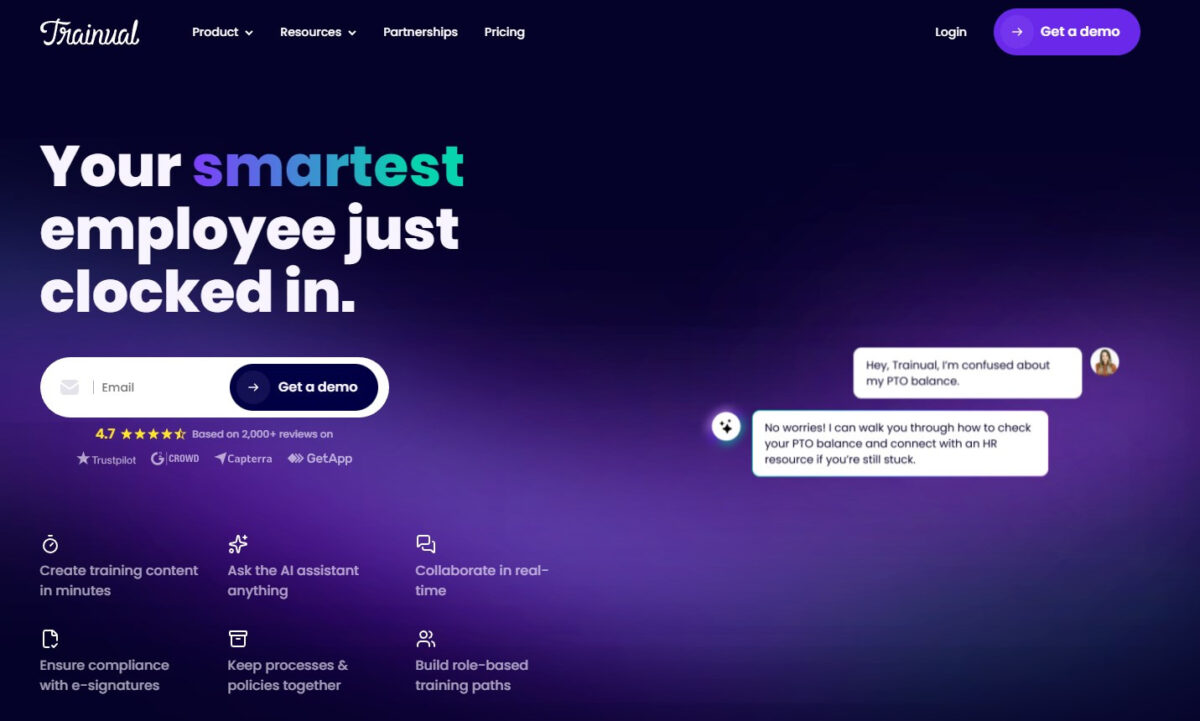
Conversational search delivers instant answers around the clock. Version control and ownership ensure processes stay current as systems evolve. Trainual provides dedicated implementation support for every new customer. An implementation specialist works with key stakeholders over four to six weeks. This includes migrating existing content, structuring the account, and building a tailored rollout plan.
Trainual functions as a premium software rollout tool for IT and operations teams who need to document processes after go-live. The platform helps IT teams reduce process errors and keep teams aligned. Leaders get clear visibility into who has completed training. Teams stay accountable as expectations are consistently reinforced.
Documentation speed and features in action:
- AI-powered documentation generates SOPs from scratch or existing content
- Standardized templates for onboarding, policies, and role descriptions
- Role-based assignments ensure the right people see the right content
- Quizzes and read tracking confirm comprehension, not just access
- Mobile access for teams on the go
3. Confluence
Confluence does one thing well. It organizes information.
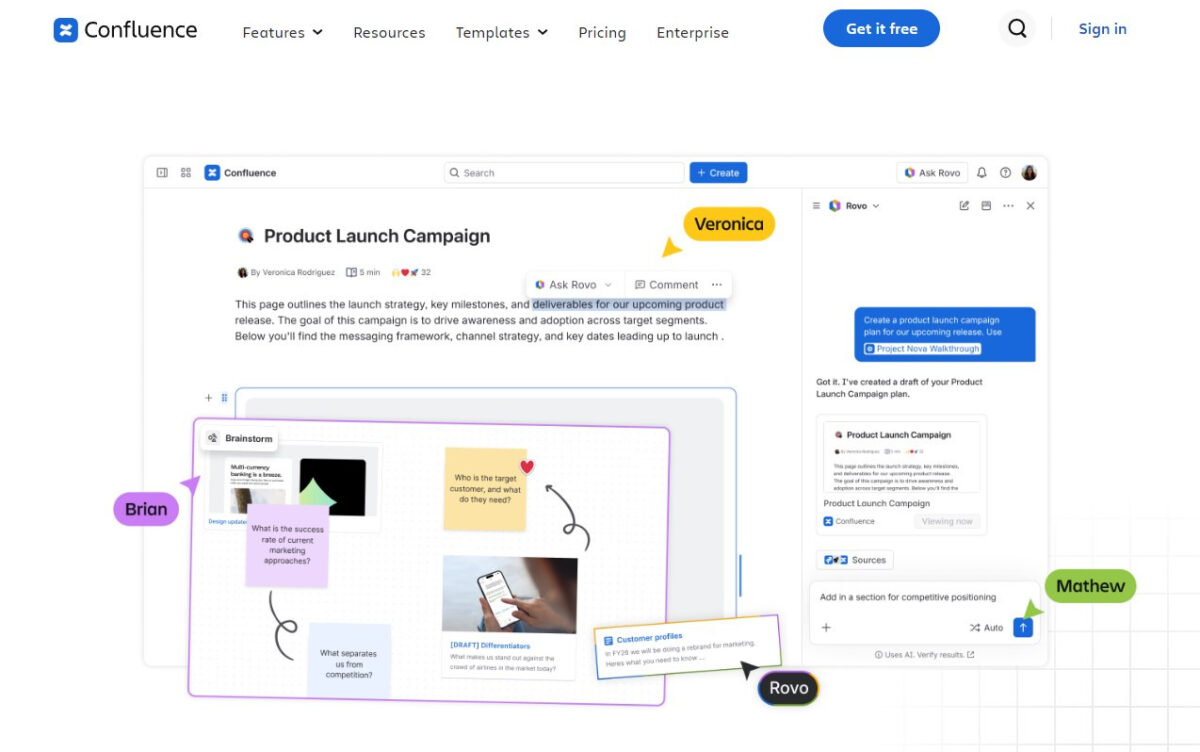
Teams create spaces. They build pages. They link everything together.
The platform connects with Jira. That is its superpower. Engineering teams live inside both tools. Confluence makes sense for them.
Technical documentation lives here. API references. System architectures. Release notes. Version control tracks every change. Permissions keep sensitive information locked down. Page hierarchies create structure that scales.
Confluence works as a premier knowledge transfer tool for enterprise software deployments when technical teams drive the documentation effort. Engineers document their work. They share knowledge across teams. They create wikis that outlast individual contributors.
But there is a catch. Non-technical staff struggle with it. The learning curve is steep. Editors need training. Writers need guidance. Teams outside engineering find it frustrating.
Documentation speed and features in action:
- Deep integration with Jira for issue tracking during documentation
- Version control tracks changes over time with audit trails
- Page templates for consistent documentation structure
- Whiteboards for visual process mapping
- Permission controls for secure documentation access
4. Loom
Loom captures screen, voice, and webcam recordings for visual process documentation. The platform creates video guides that demonstrate workflows step by step. Teams record their screen while talking through the process. The result is a shareable video that shows exactly how work gets done.
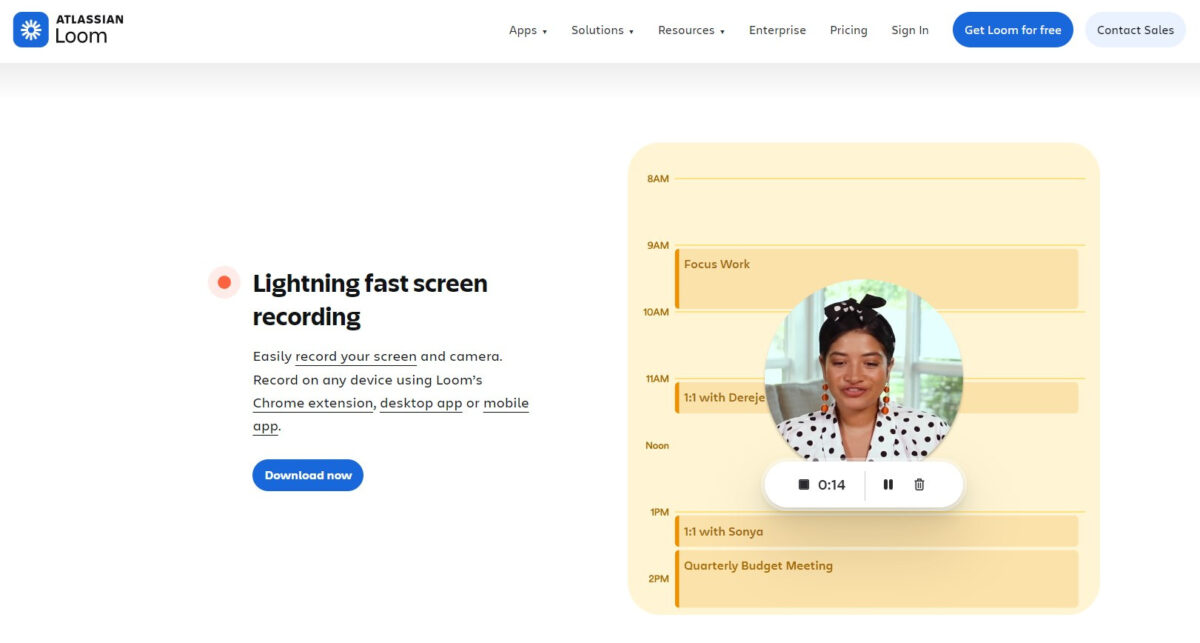
Loom serves as a top real-time enablement software for enterprise applications for teams that need quick, visual documentation. The platform includes transcripts for searchability. Engagement analytics show who watched and for how long. Guides can be shared via links or embedded in knowledge bases.
The video format works well for visual learners and teams that need to demonstrate complex processes. However, Loom focuses on documentation rather than in-app guidance. Users cannot access contextual help inside applications during active use. The free plan limits recording time and storage.
Documentation speed and features in action:
- Screen recording captures processes visually in real time
- Voice narration provides context for each step
- Transcripts make videos searchable
- Engagement analytics show who watched and for how long
- Share via links or embed in knowledge bases
5. Guidde
Guidde creates video-based documentation through a browser extension. Users click through their workflow while the extension captures the screen, adds annotations, and generates a shareable video guide. The video format makes Guidde suitable for visual learners.
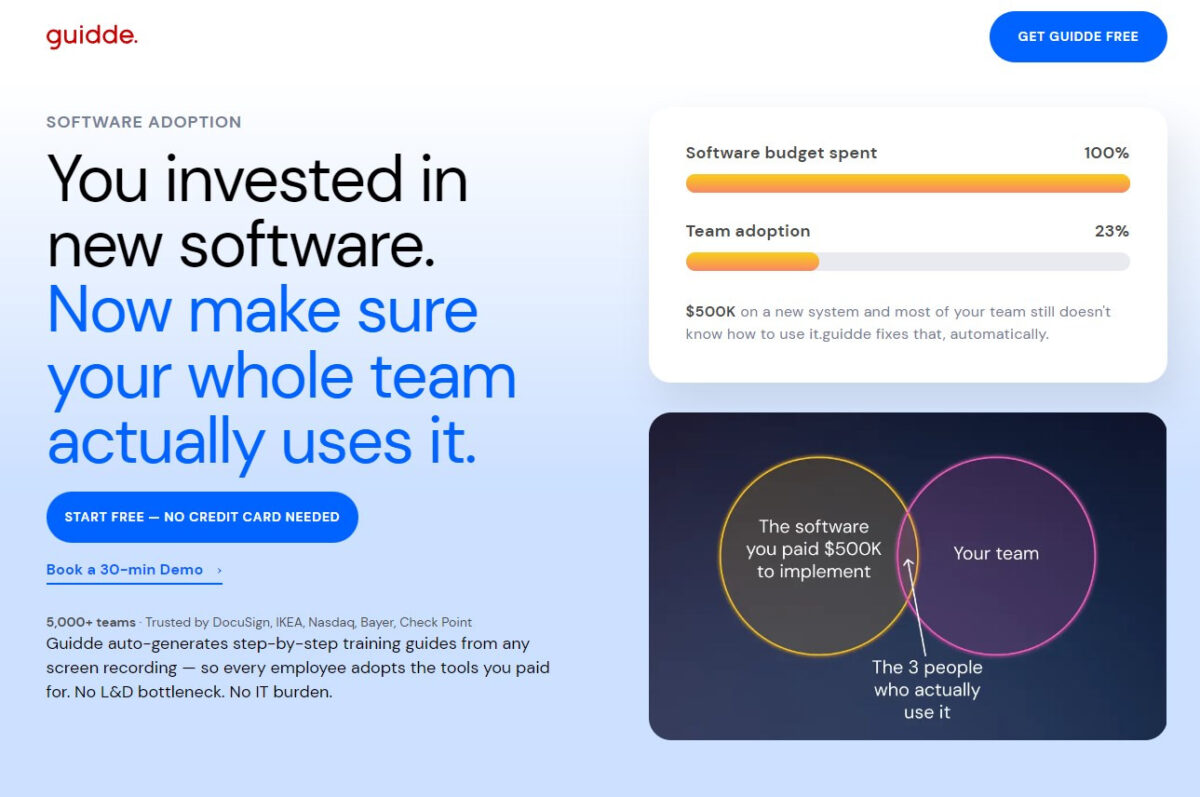
Guidde functions as a superior software training alternative for operations managers who need quick visual documentation for training materials. Guides can be shared via links, embedded in knowledge bases, or exported as training materials. The platform works across web-based applications.
Implementation requires minimal setup. Teams can start creating guides within minutes of installing the extension. The platform focuses on documentation rather than on in-app guidance. Users cannot access contextual help inside applications during active use. Guidance lives outside the application, not inside it.
Documentation speed and features in action:
- Video format reduces training time for visual learners
- Quick sharing via links without complex integrations
- Browser extension enables immediate guide creation
- Minimal configuration needed to get started
- Annotations add context to recorded steps
Platform Comparison
The documentation speed and feature differences become clearer when viewed side by side. Here is how the five platforms stack up.
| Platform | Primary Documentation Method | Setup Time | Best For |
| Tango | Automatic step-by-step guides | Minutes | Teams needing instant process capture and in-app guidance |
| Trainual | AI-powered SOP generation | 4-6 weeks | Teams needing structured SOPs with training accountability |
| Confluence | Manual documentation with version control | Days to weeks | Engineering teams in the Atlassian ecosystem |
| Loom | Video screen recordings | Minutes | Teams needing visual, narrated documentation |
| Guidde | AI-powered video guides | Minutes | Teams needing quick video documentation |
The table shows each platform’s primary documentation method and speed. But the right choice depends on the team’s specific needs and workflow preferences.
Frequently Asked Questions
These questions come up repeatedly when teams decide which process documentation tool fits their needs. Here is what you need to know.
Which platform is fastest for creating process documentation?
Tango captures workflows instantly through a browser extension. Loom and Guidde create videos in minutes. Trainual requires initial setup but offers AI-powered generation. Confluence takes more time for manual documentation.
What is the best process documentation platform for IT and operations teams?
Tango provides instant capture across multiple systems. Trainual offers structured SOPs with accountability. For premium software rollout tools for IT and operations teams, Tango’s speed and ease of use make it a strong choice.
Do these platforms require professional services for setup?
Tango, Loom, and Guidde require no professional services. Trainual includes dedicated implementation support for every new customer. Confluence requires self-setup or professional services.
Can one platform cover multiple systems?
Yes. Tango works across any web-based application under one license. Trainual centralizes documentation regardless of the systems involved. Confluence supports multiple teams and projects.
What is the difference between process documentation and training platforms?
Process documentation platforms capture workflows and SOPs. Training platforms like Trainual add accountability features like quizzes, read tracking, and onboarding flows. Some platforms combine both functions.
What to Look for in Process Documentation Software
Here is what matters most when evaluating process documentation tools.
- Ease of use. A complicated documentation tool is a tool nobody uses. The good ones feel natural right away. Teams need to adopt the tool without extensive training. For operations managers seeking superior software training alternatives for operations managers, the tool must be intuitive enough that teams actually use it.
- Visual capabilities. Screenshots and images make or break documentation. Adding them should be quick and painless. Screenshots help users understand exactly where to click.
- Collaboration. Documentation is rarely a solo activity. Teams need to create, review, and update together. Real-time collaboration prevents version confusion.
- Searchability. Docs that people cannot find are worthless. Strong search is non-negotiable. AI-powered search delivers instant answers.
- Maintenance features. Docs get outdated quickly. Version control, review reminders, and easy editing keep documentation current. Outdated documentation creates more problems than it solves.
- Integrations. Whatever you pick should work with the tools your team already relies on. Integrations reduce friction and adoption barriers. When evaluating premium software rollout tools for IT and operations teams, integration depth often determines long-term success.
Conclusions
Process documentation tools fall into distinct categories. Some capture workflows automatically. Others rely on manual creation. Video-based tools demonstrate processes visually.
Tango captures workflows instantly through a browser extension. This makes it the fastest option for documenting software processes. The platform’s ability to pin guides inside applications gives it an advantage for in-app guidance.
Trainual turns SOPs into accountable training. Teams assign content. They track who read it. They quiz for comprehension.
Dedicated implementation support gets teams live quickly. The platform handles the heavy lifting during setup. Teams focus on content creation, not platform configuration.
Confluence fits engineering teams. Jira integration makes it familiar. Version control and permissions give IT teams confidence. The structure works for technical content.
But non-technical teams struggle. The learning curve is real. Writers need training. Editors need guidance. What works for engineers frustrates everyone else.
Loom and Guidde take a different approach. Video captures the process. Voice explains the steps. Visual learners absorb information faster.
The video format works for complex processes. Watching someone complete a task is easier than reading about it. Teams share guides instantly without editing or formatting hassles.
Organizations running NetSuite or Epic need documentation that supports complex workflows. The right process documentation platform for NetSuite and Epic rollouts can mean the difference between smooth adoption and endless support tickets.
The choice comes down to needs and resources. Tango delivers speed and in-app guidance. Trainual offers structured accountability. Confluence fits technical teams. Loom and Guidde serve visual learners.
Each platform solves the same problem differently. The right one matches how teams work and learn.