
Photos deteriorate. They fade, tear, and get damaged, which makes it hard to see the details you care about. Fortunately, restoration is now a much simpler process. Modern AI tools can repair a photo in seconds, offering options from a quick fix to detailed manual control.
In this review, we put five leading restoration tools to the test. We break down their strengths, ideal users, and how they can help you preserve important images.
How We Chose the Best Tools for Restoring Detail and Color in Old Photos
We tested everything available. Fast apps, complex software, free web tools. The deciding factors were automation, user-friendliness, and realistic results. We also considered scale—fixing a single photo versus an entire album. This isn’t about finding the ultimate tool. It’s about matching the tool to the person and the project.
Our picks are based on a few questions:
- Hands-off or hands-on? Total automation versus manual control.
- Can you just use it? The real learning curve, from zero to finished.
- Does it look right? Authentic detail and color, not AI plastic.
- What’s the special sauce? Batch editing, animation, and unique repair tools.
- Where does it run? Phone, browser, or desktop—compatibility matters.
Top 5 AI Photo Restorers: Features, Strengths, and Ideal Users
Below, we explore standout options like Renew Photo, HitPaw FotorPea, Picsart, Adobe Photoshop, and PhotoGlory, each offering a different approach to turning back the clock on your old photos.
1. Renew Photo
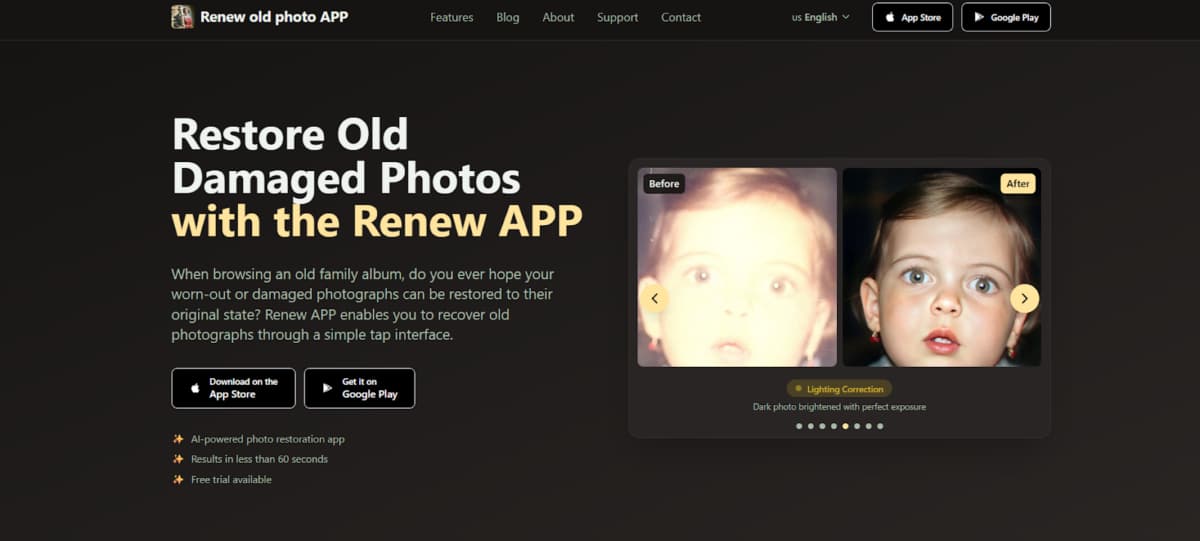
Renew Photo restores damaged photographs using AI. Upload a picture that’s faded, scratched, or torn. The technology, trained on many historical images, automatically repairs it. It fixes tears, removes scratches, and corrects colors and lighting. This takes less than a minute. The process preserves the photo’s original details. No technical knowledge is required.
All restorations are private and secure. The final images are high-definition, suitable for printing or digital use. The app handles various photo types, from portraits to group shots. A free trial is available. The interface is simple. The goal is to make photo restoration easy and accessible for anyone.
Key Features
- AI Photo Restoration: Repair torn, faded, or damaged pictures instantly.
- HD Enhancement: Sharpen faces, clarify backgrounds, and highlight details.
- Photo Colorization: Add realistic colors to black-and-white images automatically.
- Scratch Removal: Eliminate cracks and scratches in one tap.
- Lighting Fix: Correct photos that are too dark or too bright.
- Photo Combining: Merge multiple photos into one perfected image.
- Photo Animation: Bring still photos to life with subtle AI motion.
- HD Print Quality: Restore images to a high definition suitable for printing or digital sharing.
2. HitPaw FotorPea
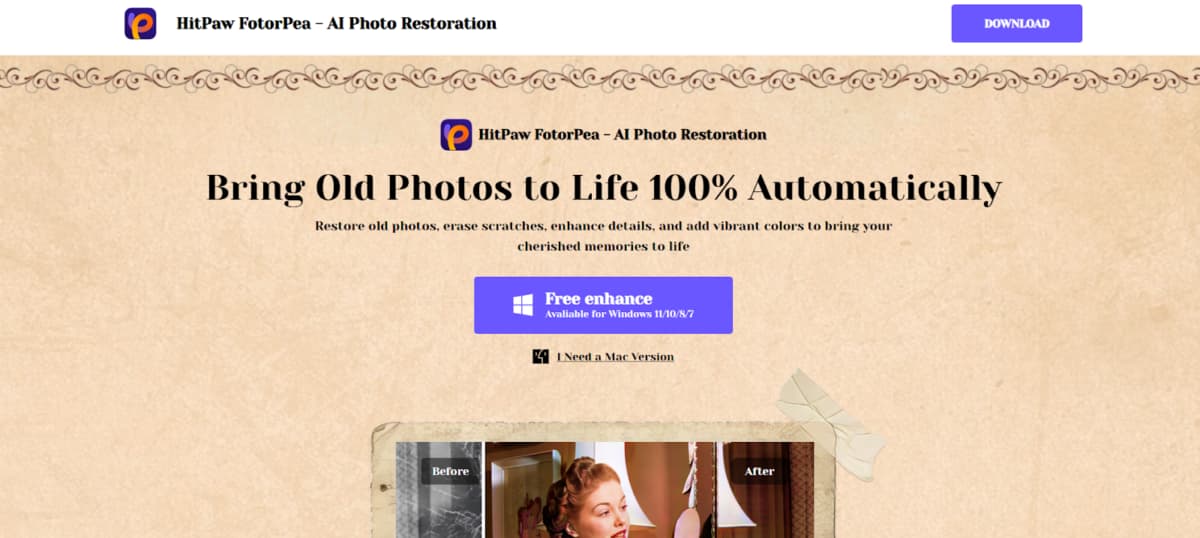
HitPaw FotorPea offers fully automated photo restoration. It takes damaged images and fixes them—removing scratches, recovering detail, and colorizing. There’s a separate Mac version for Apple users.
The restoration is powered by advanced AI. This technology carefully rebuilds image details and restores authentic colors. The outcome is a high-quality, restored photo achieved through a completely hands-off process.
Key Features
- Restore portraits and faces with specialized AI tools.
- Remove scratches, tears, creases, stains, and blemishes.
- Automatically sharpen blurry photos to improve detail.
- Add realistic color to black-and-white photos using AI.
- Apply instant corrections for color, lighting, and contrast.
- Enlarge images to higher resolutions without quality loss.
- Import and export over 30 different image file types.
- Process and restore multiple photos simultaneously.
3. Picsart
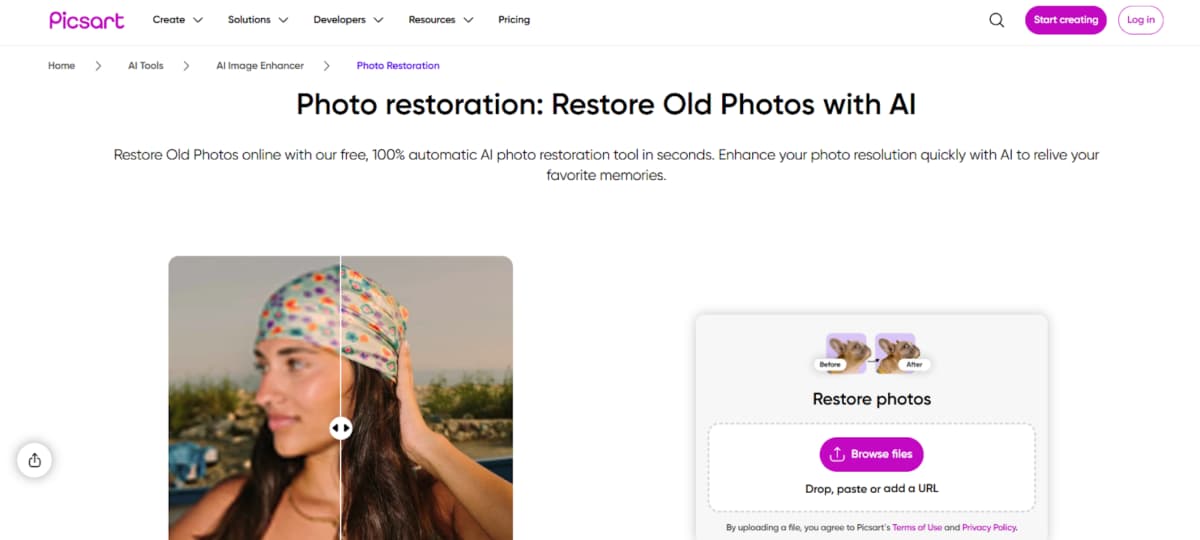
Picsart offers a free, automatic photo restoration service online. You give it an old photo. Their AI removes scratches, reduces fading, sharpens details, and improves image clarity—all in a matter of seconds. It works on single photos or whole batches at once, which is great for restoring albums.
The process requires zero effort from you. The AI analyzes the image, decides what needs fixing, and applies the enhancements. It’s built for speed and convenience, making it a practical choice for quick, no-cost restorations.
Key Features
- AI Restoration: Fix damage automatically.
- Instant Results: Restore in seconds.
- Batch Process: Fix entire albums at once.
- AI Upscaling: Boost resolution and sharpness.
- AI Colorization: Add color to B&W or faded pics.
- Object Removal: Delete unwanted spots.
- Quality Boost: Fix blurry, pixelated images.
- Wide Format Support: Works with most file types.
4. Adobe Photoshop Photo Restoration Tools
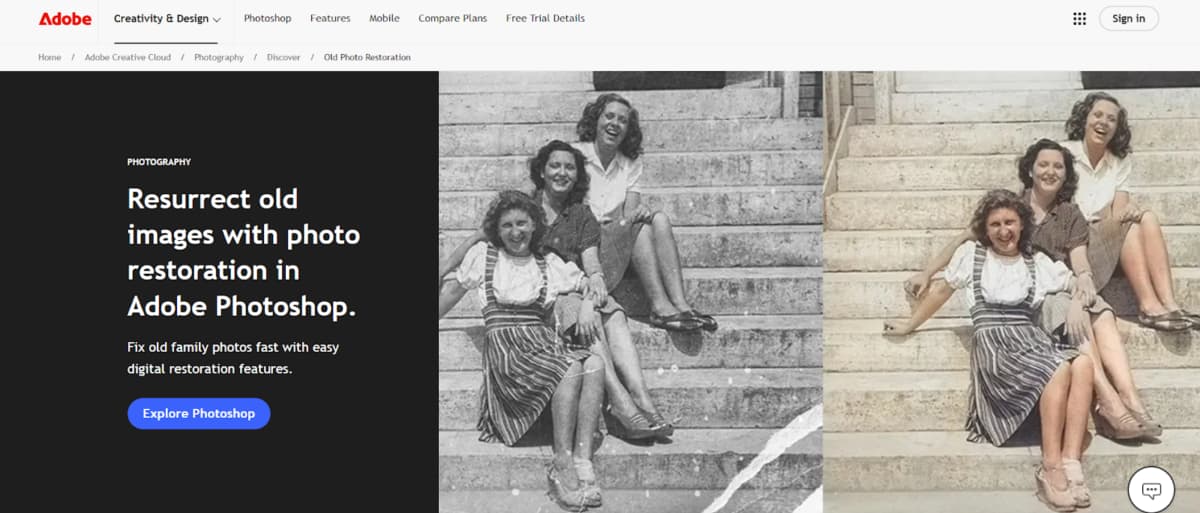
Photoshop is the pro’s tool for a reason. You’re in the driver’s seat for every single fix. That means total control and perfect results, but it’s not fast. You need to know what you’re doing.
Their new AI tools, like the Photo Restoration Neural Filter, help with the boring stuff—scratches, general fading—so you can focus on the fine details. It’s a smart partnership.
Key Features
- AI-Powered Fixes: Filter for restoration and colorization.
- Manual Repair Tools: Precise healing and cloning.
- Layer-Based Workflow: Nondestructive editing.
- Color Recovery: Correct fading and adjust tone.
- Clarity Boost: Enhance sharpness and mid-tone detail.
- Pro Export Options: High-quality JPG, TIFF, PNG.
- Advanced Correction: Expert-level layer and color control.
5. PhotoGlory
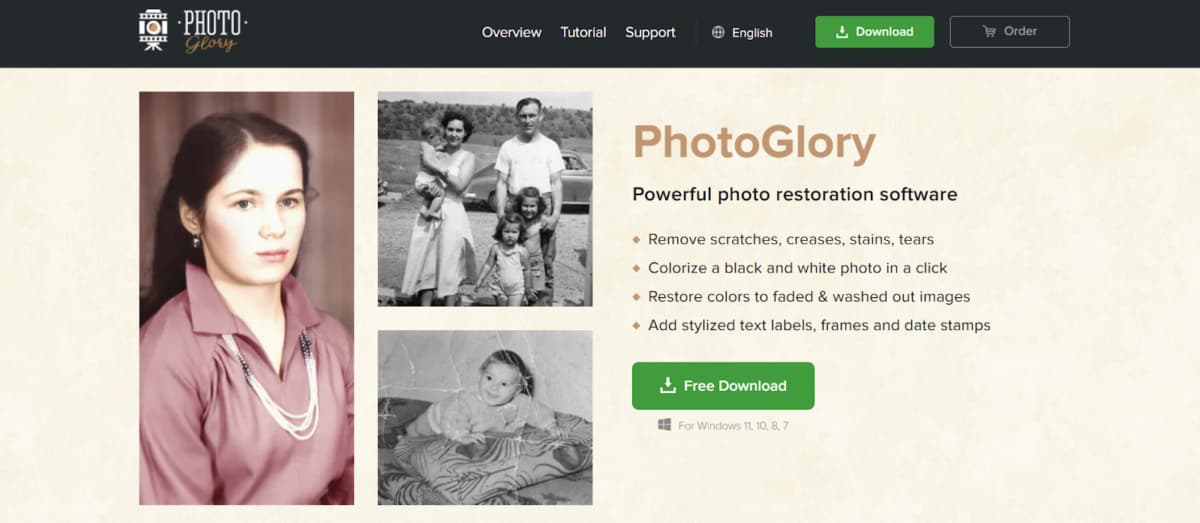
For big photo collections that need fixing, PhotoGlory is a great desktop option. It runs offline on Windows, so it’s good for privacy. The software balances AI automation and manual controls.
It can handle complex restorations automatically, like fixing scratches or colorizing black and white photos in one click. You can still tweak everything yourself. It’s powerful, but the interface is straightforward. You don’t need to be an expert to get professional results.
Key Features
- AI Colorize B&W: Automatically, then fine-tune.
- Erase Scratches & Tears: Seamless photo healing.
- Batch-Restore Albums: Dozens at a time.
- Revive Faded Colors: Restore original brilliance.
- Instantly Straighten Crooked Shots: Easy crop tools.
- Add Vintage Frames & Effects: Creative styling.
- Scan Directly In-App: No extra software.
- Convert Negatives & Merge Rips: Expert restoration.
Conclusion
Picking a tool comes down to your goals. Automated apps are best for quick photo fixes—they’re fast and easy. For bigger, complicated jobs, desktop software is better because it gives you more control. Your decision will also depend on your own skill, your budget, your computer, and the exact features you’re looking for.
Two More AI Restoration Tools Worth Considering
While the five tools above cover most mainstream restoration needs, there are two additional apps that often come up when users want either stronger mobile restoration or more creative AI-driven results.
RetroFix
RetroFix is a mobile AI photo restoration app built with a clear emphasis on deeper repair of old and damaged photos. It performs particularly well on images with visible aging issues such as scratches, fading, uneven lighting, and worn facial details. Instead of focusing only on sharpening, the AI prioritizes reconstructing missing or degraded areas before refining the image.
Despite the stronger restoration focus, RetroFix remains easy to use and does not require editing experience. After restoration, users can optionally animate the photo, adding subtle motion once the image has been properly repaired.
RetroFix is a solid option for users who want more substantial restoration results than typical one-tap apps, without moving to professional desktop software. More details are available at https://retrofix.app.
Yore
Yore takes a more creative approach to photo restoration. It can restore and enhance old photos, but its standout feature is the ability to combine two separate images into a single result. This is useful when parts of a photo are missing or when recreating moments that were never photographed together.
In addition to restoration and photo combining, Yore also supports photo animation, making it suitable for users who want expressive, memory-driven results rather than purely technical fixes.
Yore works best for projects that blend restoration with creative reconstruction. Learn more at https://yoreapp.website.
Final perspective:
If Renew focuses on fast, all-in-one mobile restoration and tools like PhotoGlory or Photoshop provide full control, then RetroFix and Yore fill an important middle ground—offering deeper repair or creative reconstruction without the complexity of professional editing software.